

Super Admin
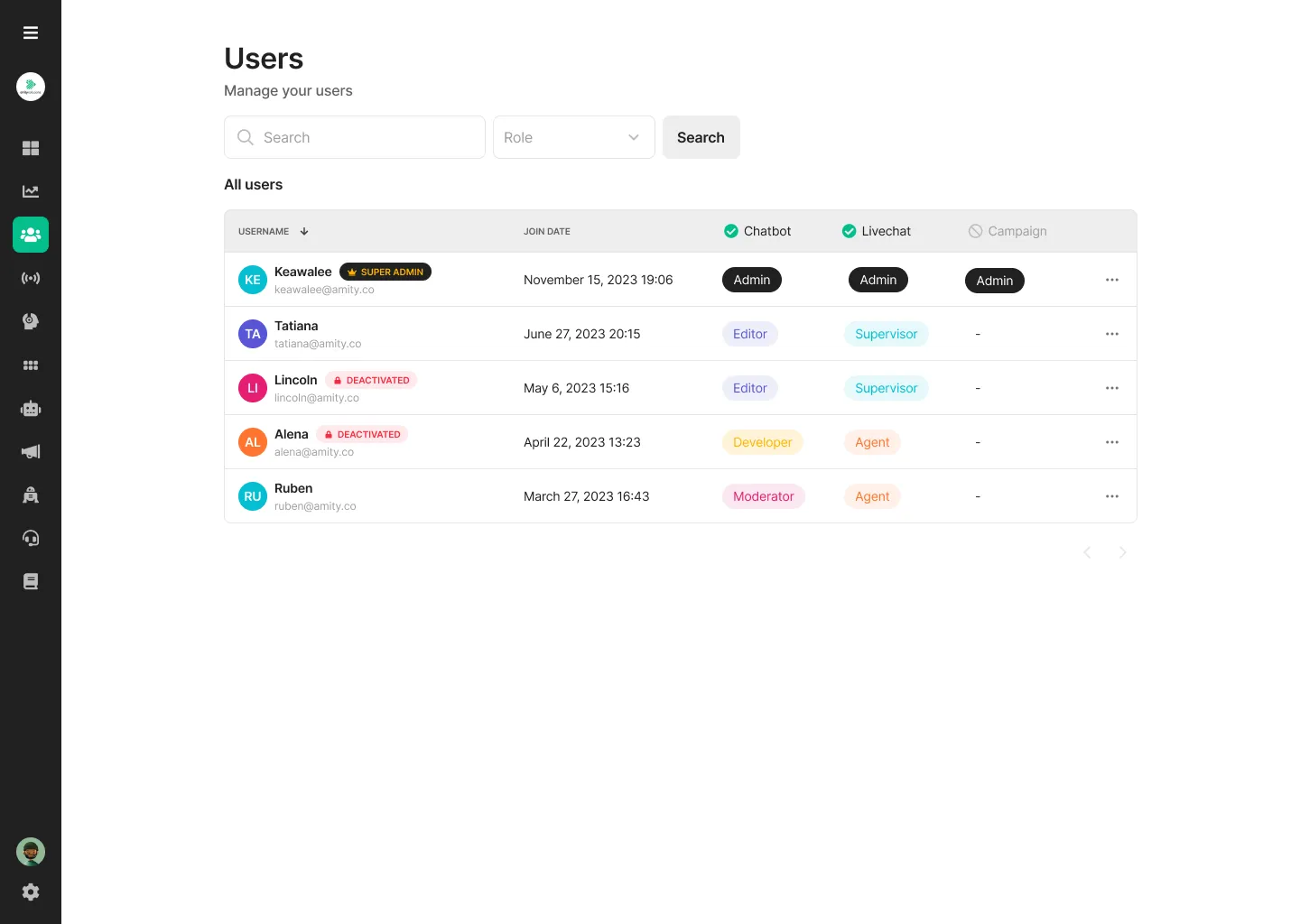
Section titled “Super Admin”New role as a ‘Super Admin’ who have highest access level on every platform
Password Complexity Policy
Section titled “Password Complexity Policy”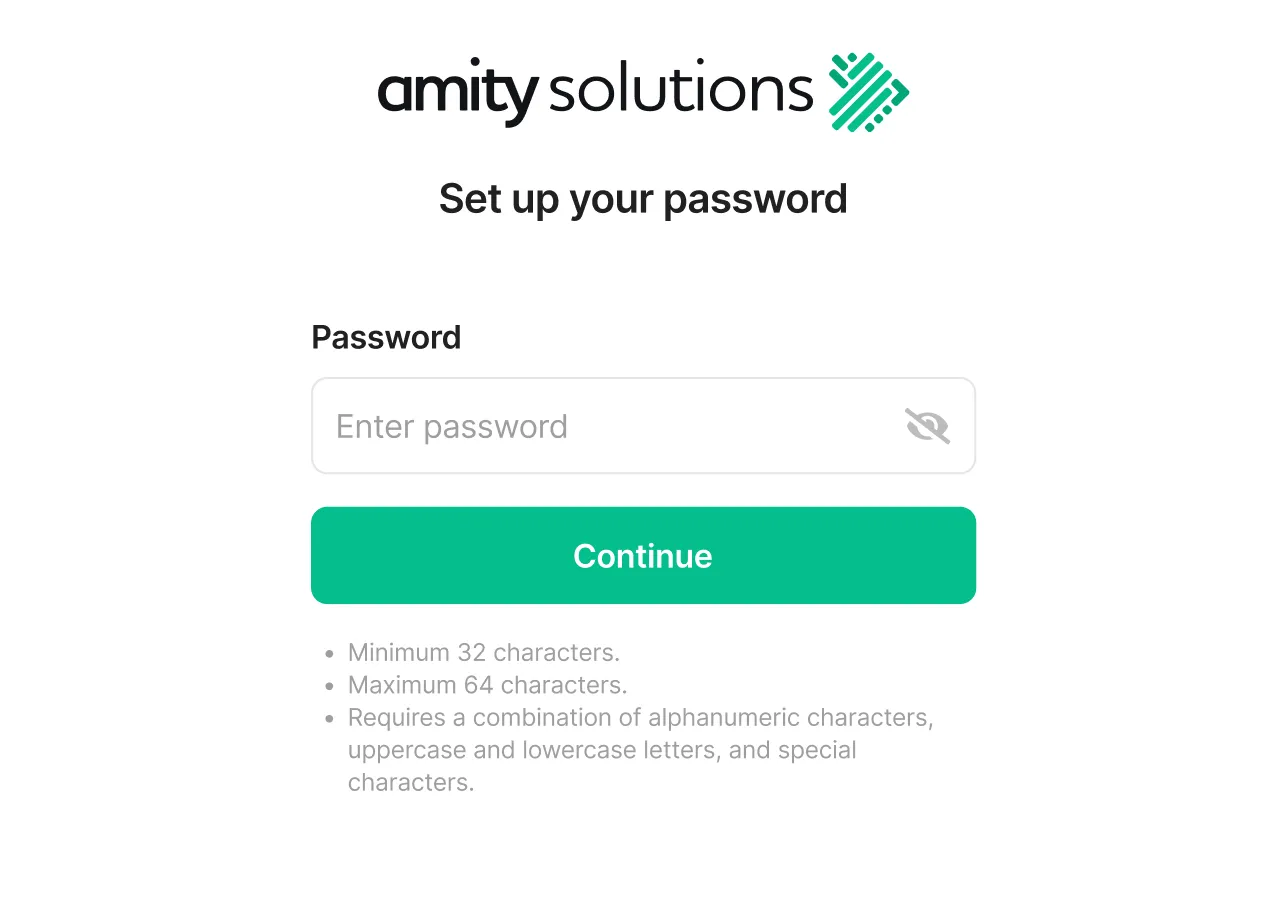
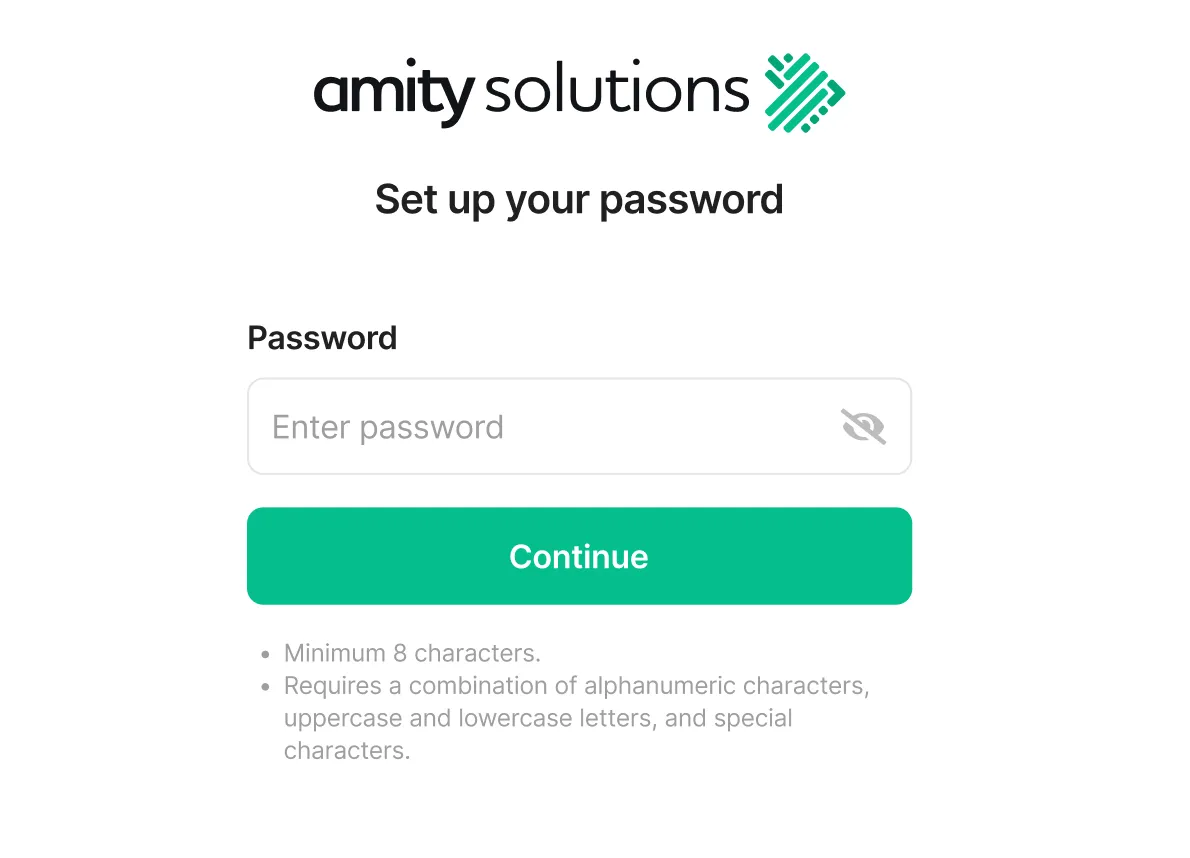
| User Type | Minimum char | Maximum char | Special requirement |
|---|---|---|---|
Normal User *Policy enforced for all users | 8 | - |
|
| Super Admin *Configurable by network | 8 | 99 |
|
Password Change Frequency
Section titled “Password Change Frequency”Users should be permitted to change their passwords no more than once per 24 hours, with the configuration of this policy differing for each network.
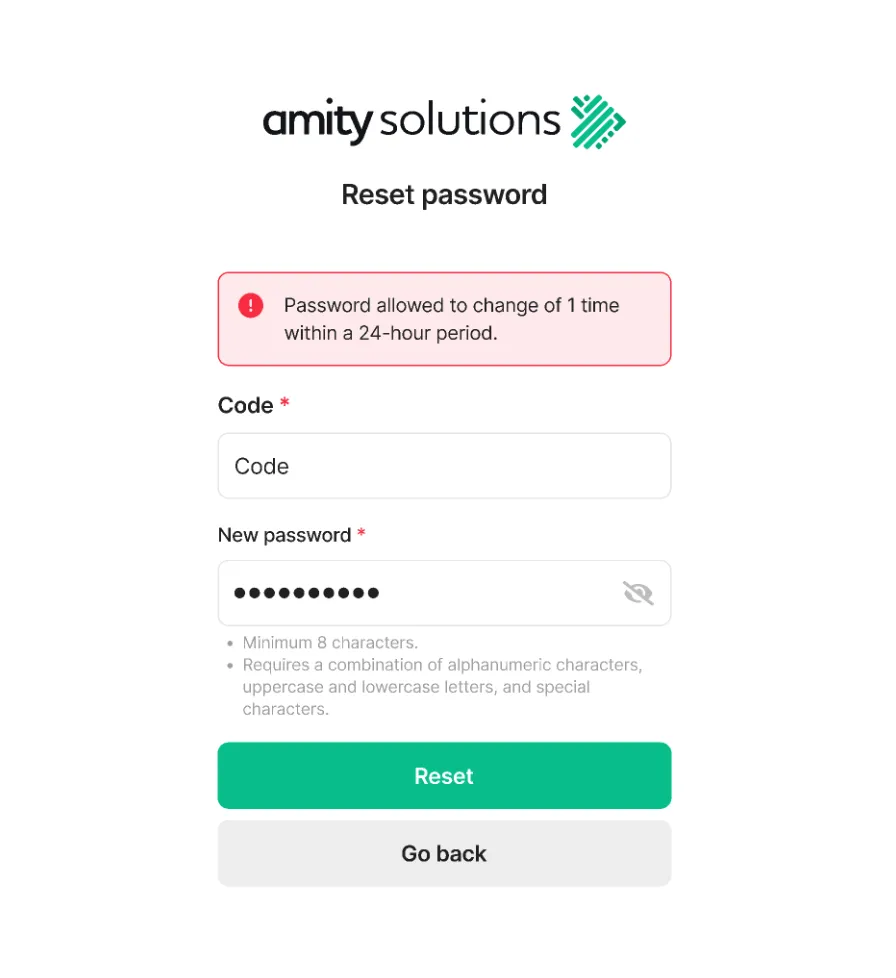
| Policy | Minimum | Maximum | Configurable |
|---|---|---|---|
| Password Change Frequency | 1 | 12 | ✅ |
Account Lockout Policy
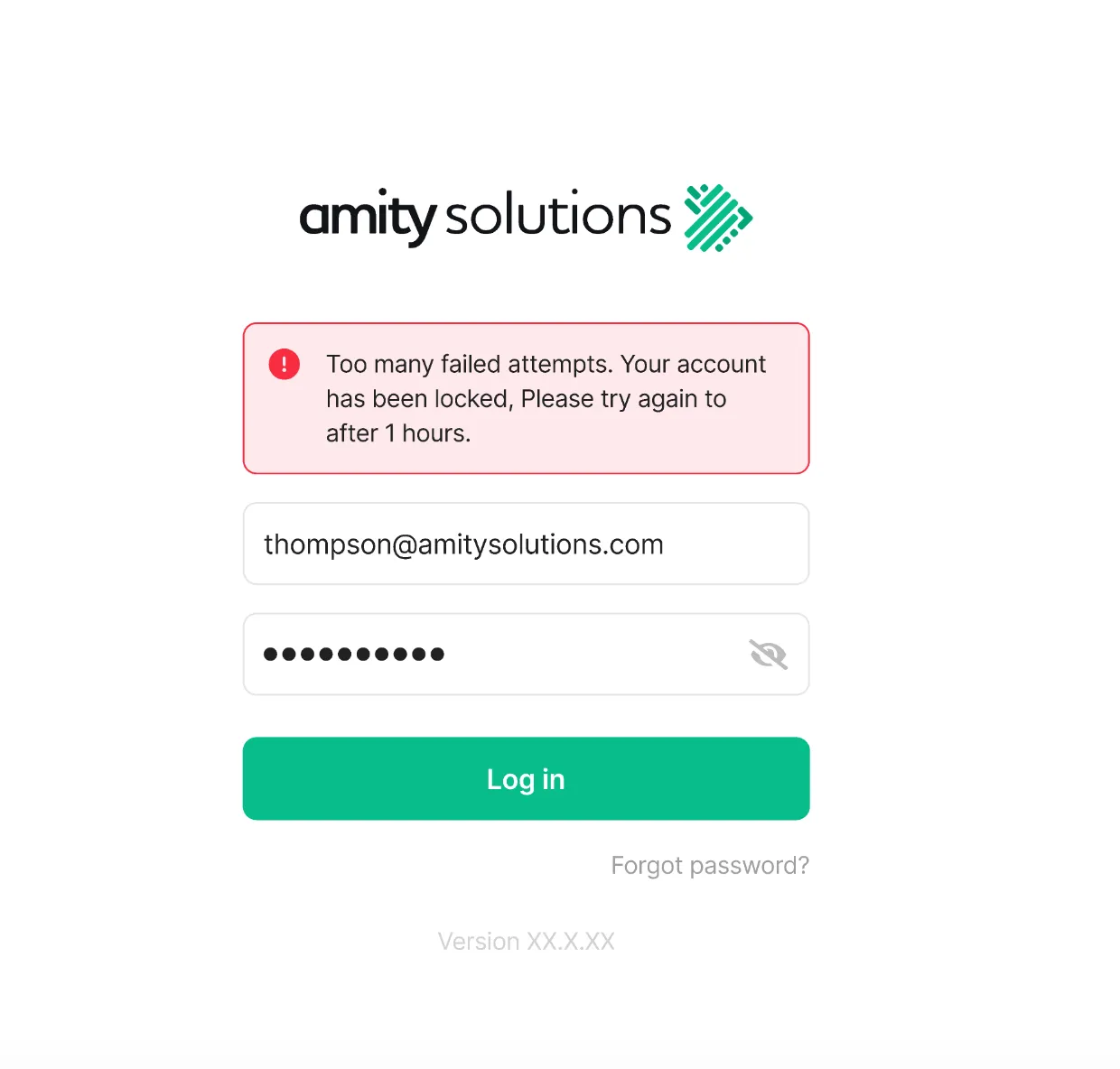
Section titled “Account Lockout Policy”After the configured number of consecutive failed login attempts within 5 minutes, the account should be locked for the configured amount of time. By default, 5 times will lock for 1 hour.
| Policy | Minimum | Maximum | Configurable |
|---|---|---|---|
| Number of fail attempts | 1 | 12 | ✅ |
| Range of time to locked account | 5 | 180 | ✅ |
Duplicate Password Prevention
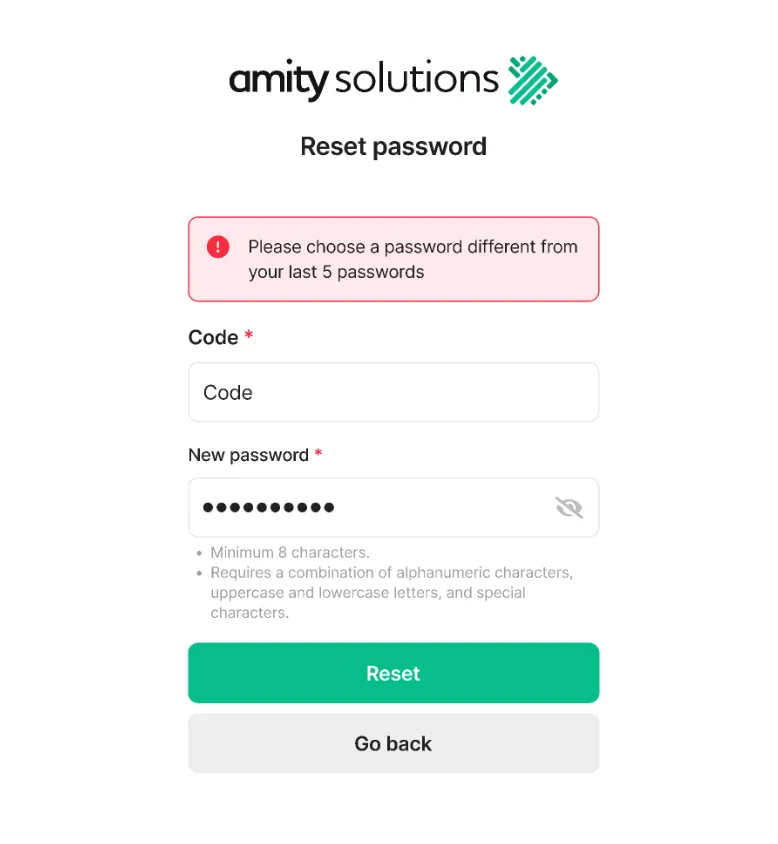
Section titled “Duplicate Password Prevention”Users should not be able to set passwords that match any of their last previously passwords. the previous password range is network-configurable, with a default of last 5 passwords.
| Policy | Minimum | Maximum | Configurable |
|---|---|---|---|
| Retention limit | 1 | 12 | ✅ |
Force Change Password
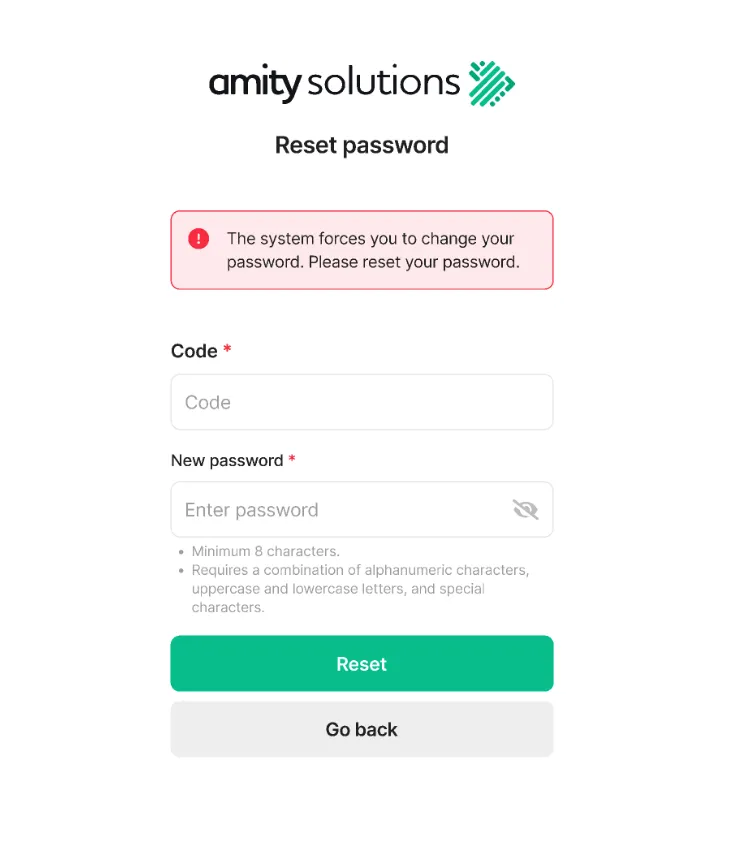
Section titled “Force Change Password”Super Admin and also Normal User (Agent) should be prompted to change their password every X days.
| User Type | Minimum (day) | Maximum (day) | Configurable |
|---|---|---|---|
| Normal User | 30 | 1095 | ✅ |
| Super Admin | 30 | 1095 | ✅ |
Auto-Disable User
Section titled “Auto-Disable User”Our Auto-Disabled User Policy feature is designed to enhance the security of your account by automatically monitoring user activity and disabling inactive accounts. This policy checks for users who have not logged out for a specified period of time, ensuring that only active users have access to the system.
| Policy | Minimum (days) | Maximum (days) | Configurable |
|---|---|---|---|
| Inactive user | 30 | 365 | ✅ |
Was this page helpful?
Thank you for your feedback!