

To enable a bot to receive Facebook events (such as messages, comments, reactions, or other interactions) and respond automatically to customers based on predefined rules.
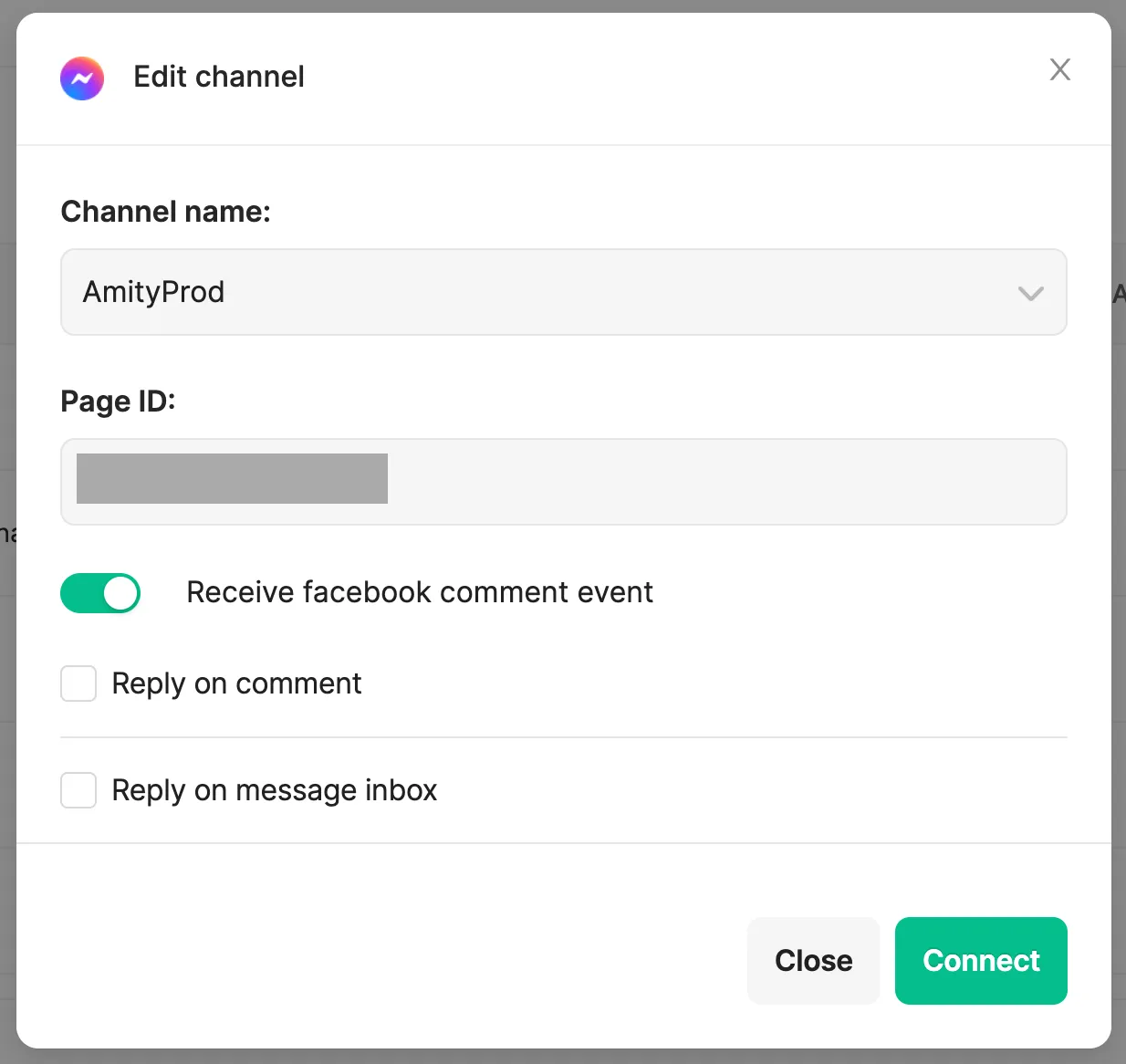
How to enable the Facebook Comment:
- Enable ‘Receive facebook comment event’.
- Select to Reply on Comment or Message Inbox or Both.
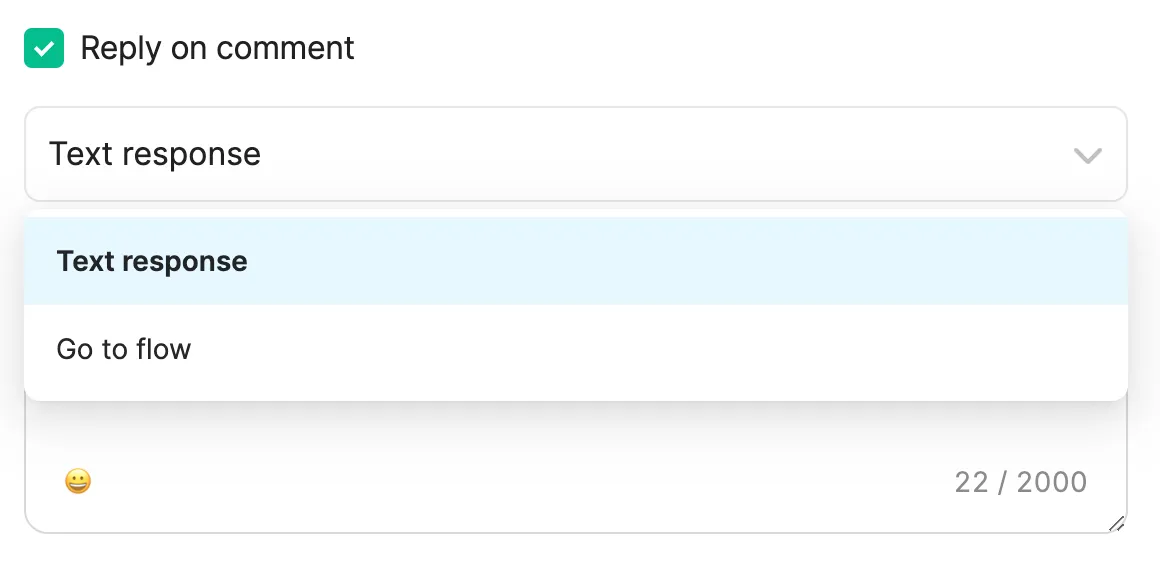
- For ‘Reply on comment’, can select
- Text Response, maximum 2,000 characters
- Go to Flow
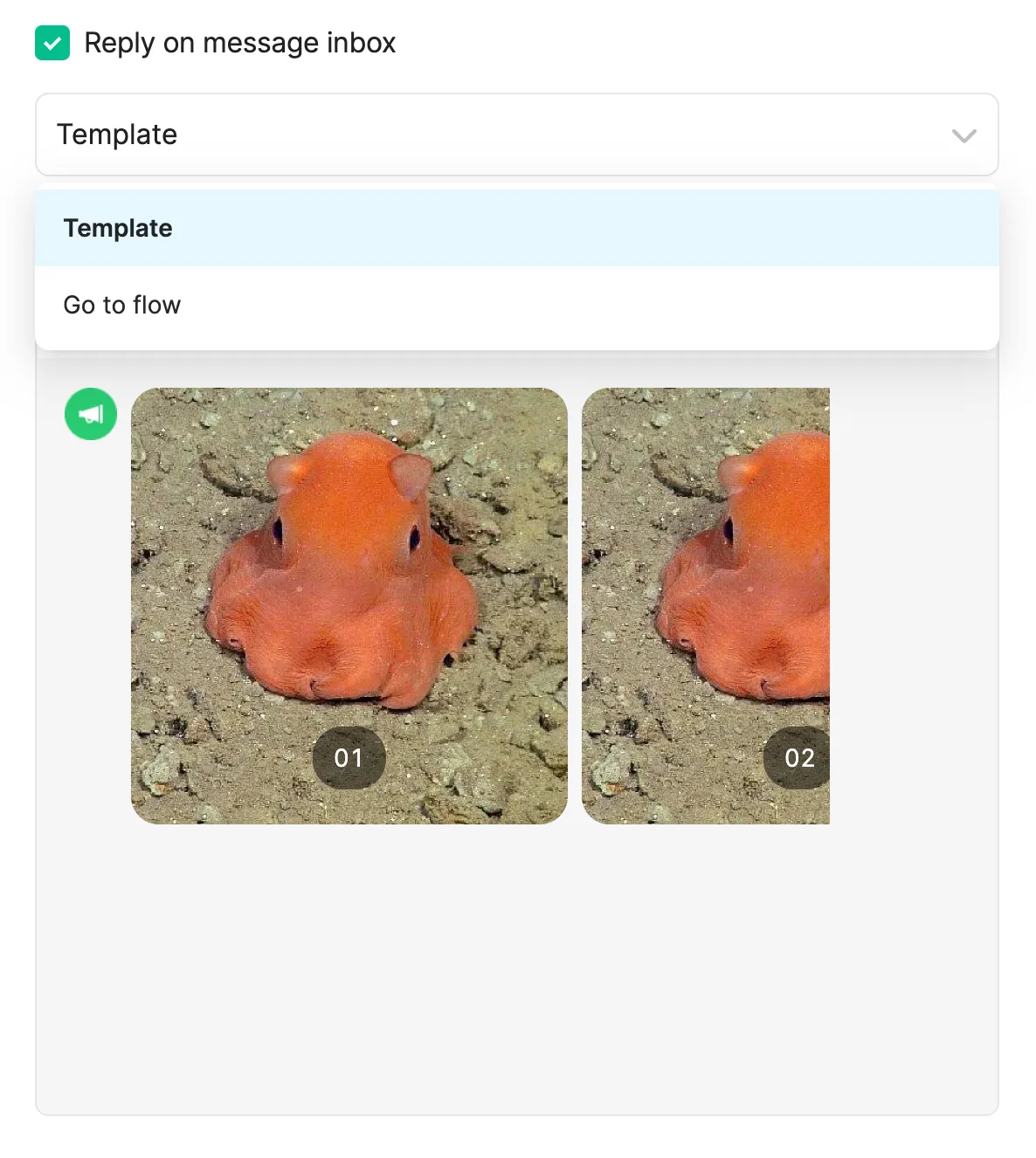
- For ‘Reply on message inbox’, can select
- Template
- Go to Flow
Facebook Limitation:
- For the message inbox, this applies only to users who have already had a conversation with the Facebook Page.
- For the message inbox, only templates containing a single bubble can be used.
Was this page helpful?
Thank you for your feedback!