

This feature provides a user-friendly export/import template, enabling users to efficiently transfer data between systems while maintaining data integrity and compatibility.
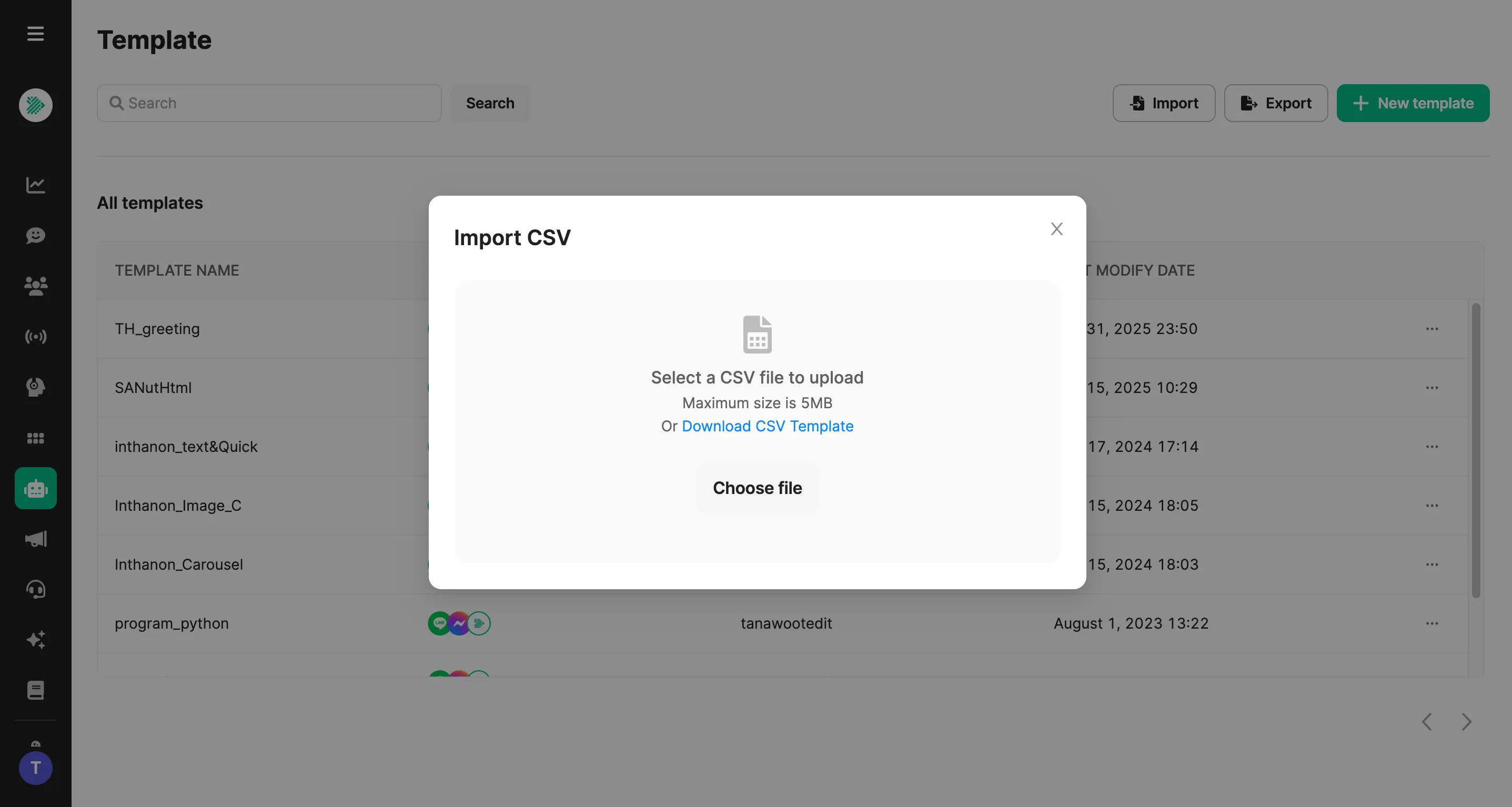
Supported File Type:
Only CSV files are supported, with the following fields:
- Name = Template Name
- Value = Template Data
Default Values:
- createdAt: Timestamp (current time when inserting)
- modifiedBy: Account that uploads the file
- networkId: Network ID
- platforms:
"line","facebook","webchat" - updatedAt: Timestamp of the last update
Notes:
- If the template name is new → insert the template.
- If the template name already exists → update the template.
- Maximum file size: 5 MB
Export Function:
Export all templates as a CSV file in the same format as the Import file.
Was this page helpful?
Thank you for your feedback!